
 Mobility Maturity Assessment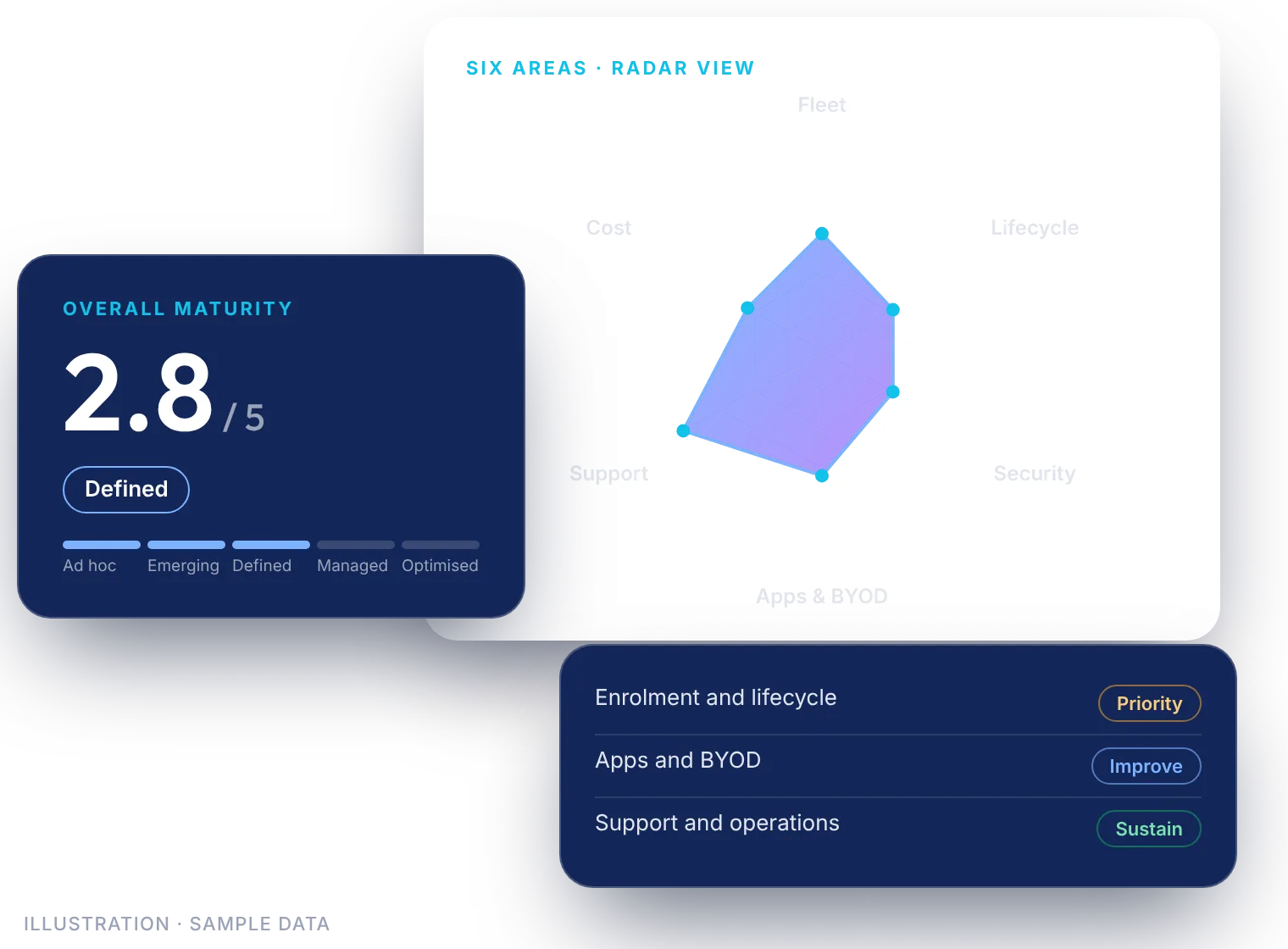
The problem it solves
Phones, tablets, laptops, rugged devices and kiosks spread across teams, platforms and countries. It is hard to see the whole picture: which devices are managed, where security is thin, which costs nobody tracks, and whether you are paying for overlapping tools.
The Mobility Maturity Assessment gives you one clear, shared view, so IT, security and finance can agree on what comes next.
What you get
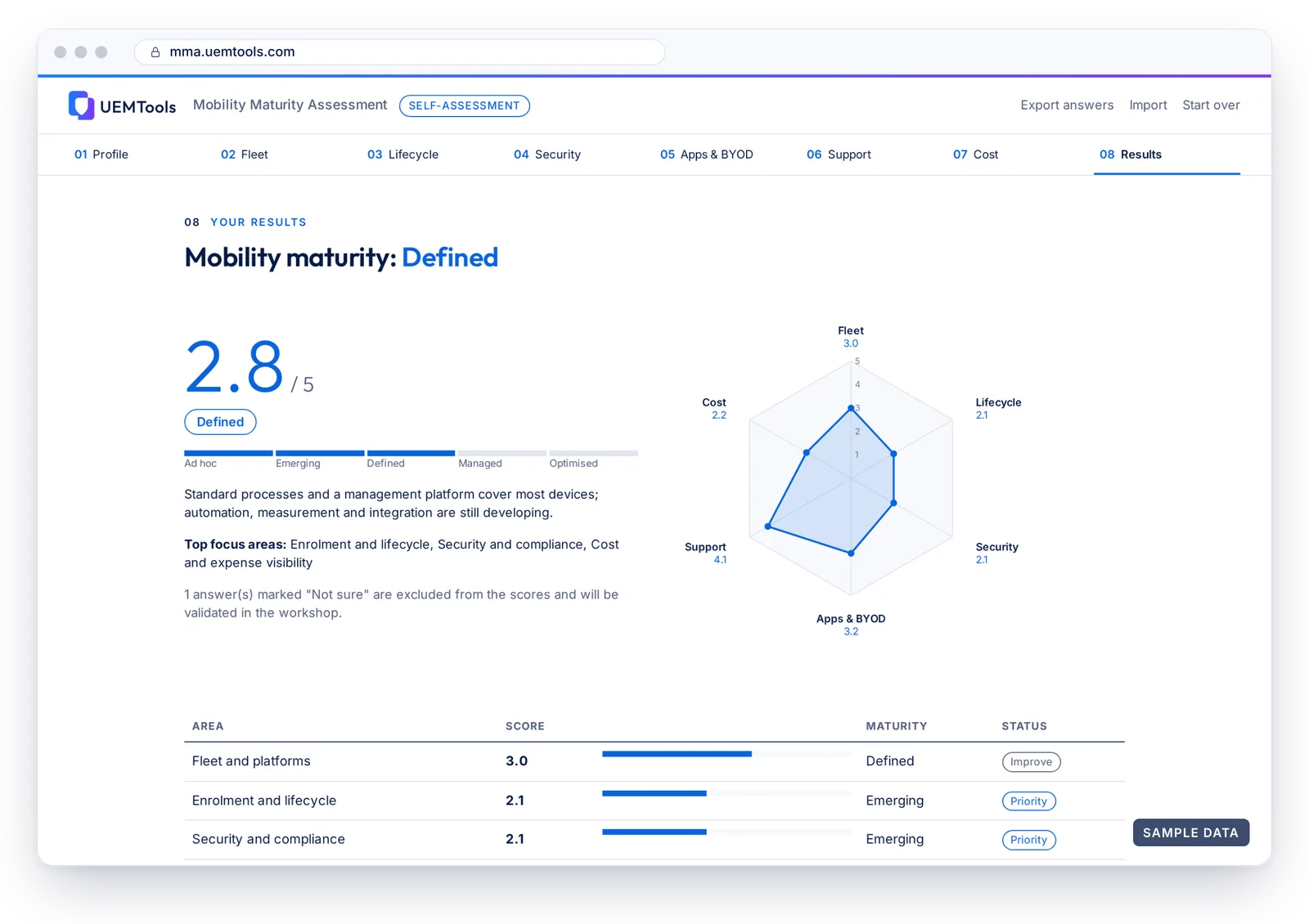
- An overall maturity score out of 5, on a five-level scale from Ad hoc to Optimised.
- A score and status for each area: Priority, Improve or Sustain, with a radar chart and your top focus areas.
- Area-by-area findings in plain language, with recommended actions and what good looks like.
- Notes tailored to your line of business and main country of operation.
- A device residency view of the other countries where your devices are located or used.
- An indicative service tier (Essential, Advanced or Premium), for orientation only; scope is confirmed in a workshop.
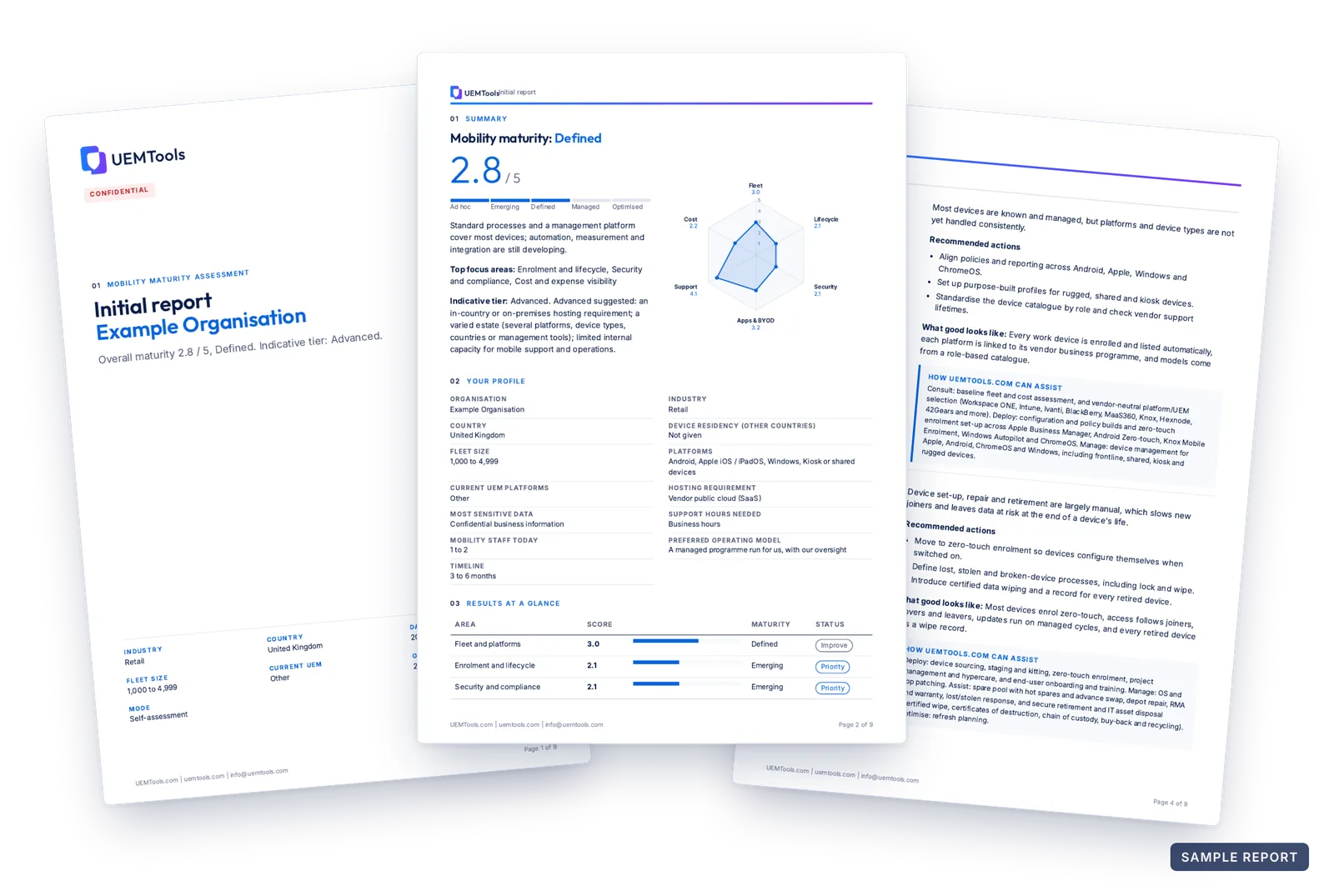
- An Initial report as a PDF, downloaded from your free UEMTools.com account and ready to share.
- An Enhanced report, prepared by UEMTools.com staff in a guided session: prioritised recommendations, a 30/60/90-day roadmap, service tier and scope, country compliance notes, and platform considerations, including a flag when overlapping management platforms suggest consolidation.
Six areas, 43 questions
Each area is scored on its own, so you can see exactly where to focus.
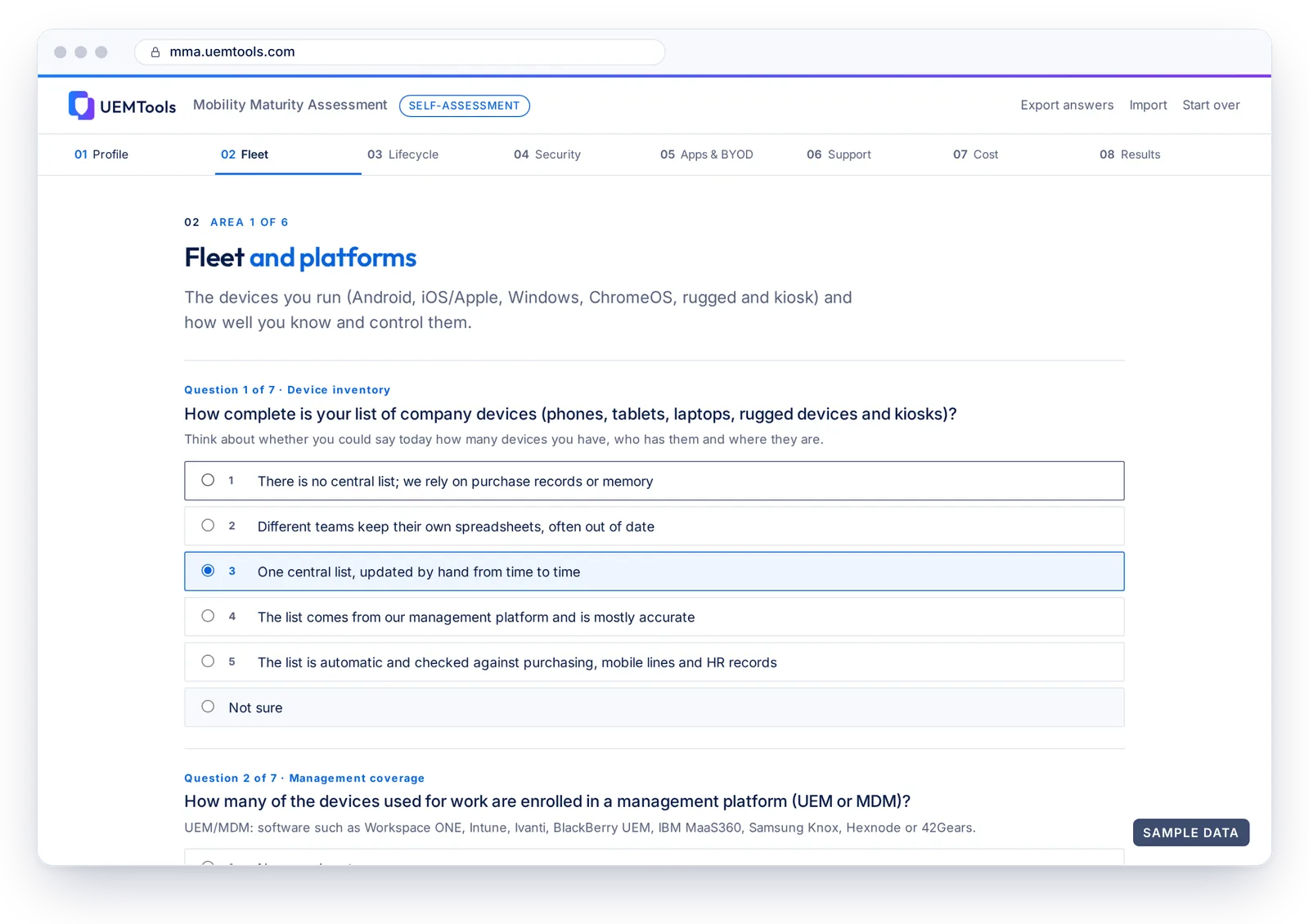
 Fleet and platforms (7 questions)
 Enrolment and lifecycle (8 questions)
 Security and compliance (8 questions)
 Apps and BYOD (6 questions)
 Support and operations (8 questions)
 Cost and expense visibility (6 questions)
How it works
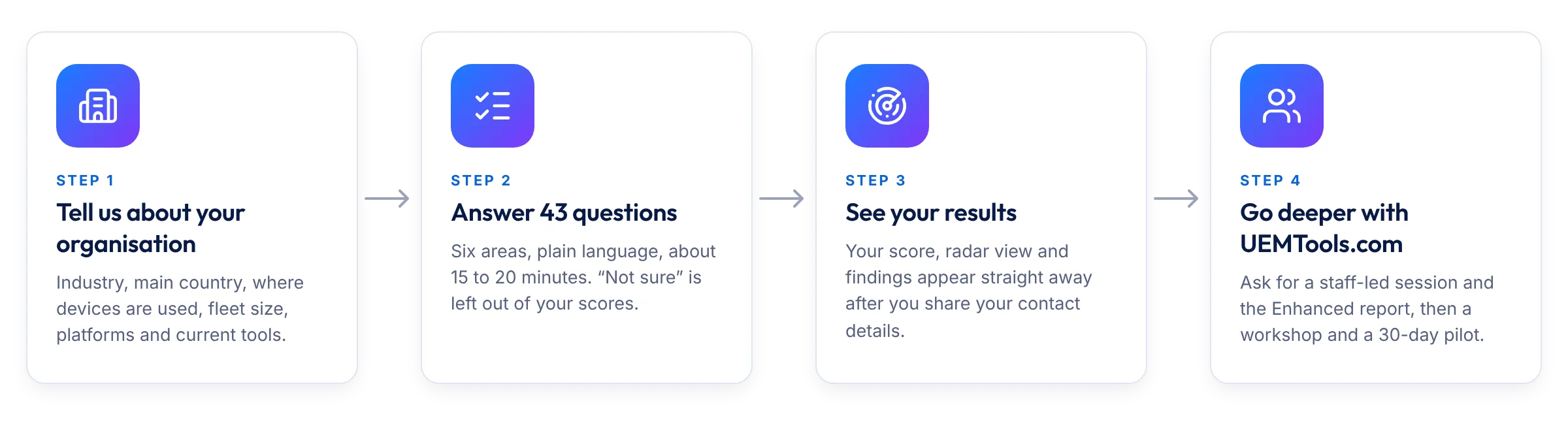
- Tell us about your organisation. Industry, main country, where devices are used, fleet size, platforms and current UEM or MDM tools, plus optional questions on hosting, data sensitivity and support needs.
- Answer 43 questions across six areas. It takes about 15 to 20 minutes. “Not sure” is a fine answer; it is left out of your scores. Your progress is saved on your device.
- See your results straight away. Share your contact details and your scores and findings appear at once. To download the Initial report as a PDF, sign in or create a free UEMTools.com account with your work email.
- Go deeper with UEMTools.com. Ask for a guided session, led by a UEMTools.com specialist, and the Enhanced report. Then validate the findings in an assessment workshop and try the changes in a 30-day pilot.
Built for every organisation
Small and mid-sized businesses
Plain-language questions, no specialist needed. See which areas to improve first, including how you track idle devices, lines and licences.
Enterprises
Get one view across platforms, countries and teams, and start the case for change from one shared, structured view. In a staff-led session, the Enhanced report also flags overlapping management platforms.
Government and public sector
Questions cover audit evidence, in-country, on-premises and air-gapped hosting, provider governance and admin access, with notes on the countries where your devices are used.
Vendor-neutral by design
The assessment asks how you manage devices, not which product you bought. It works whether you run Workspace ONE, Microsoft Intune, Samsung Knox, Ivanti, BlackBerry UEM, IBM MaaS360, Hexnode, 42Gears, Jamf, Google Workspace / Chrome Enterprise, another tool or none at all. Your recommendations follow your needs, not a vendor’s roadmap. The Assessment does not rate vendors; setting-level support ratings for eight UEM platforms are in the UEM Policy Engine.
See your mobility clearly
Get your score, your priorities and a report you can share with your leadership.