
 UEM Policy Engine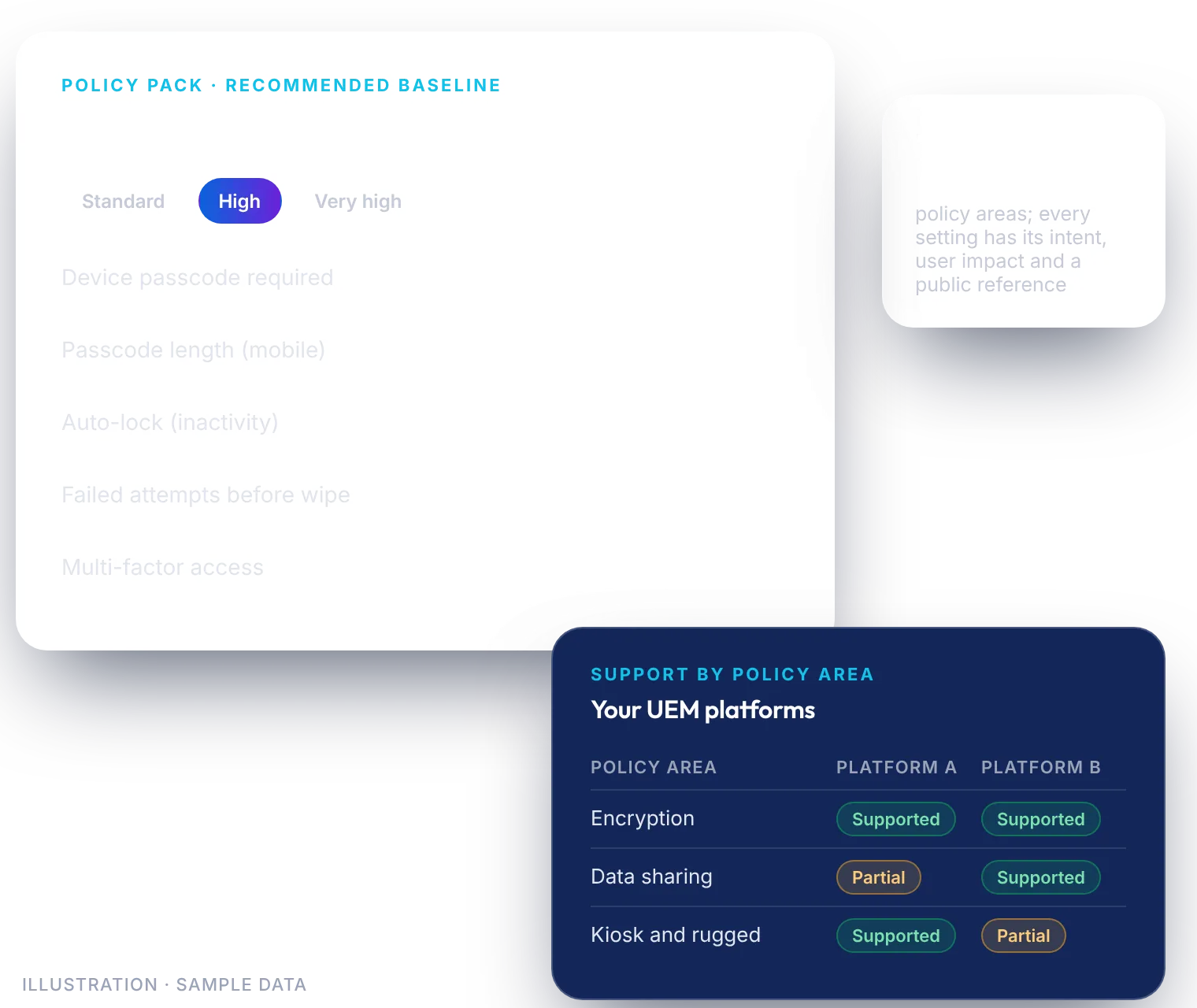
The problem it solves
Writing a device policy from a blank page is slow. Benchmarks are scattered, every UEM console uses different terms, and mixed fleets often sit across more than one platform. Teams debate passcode length while real gaps go unnoticed.
The UEM Policy Engine gives you a sound, documented starting point, so the conversation moves from “where do we start?” to “what do we adjust?”
What you get
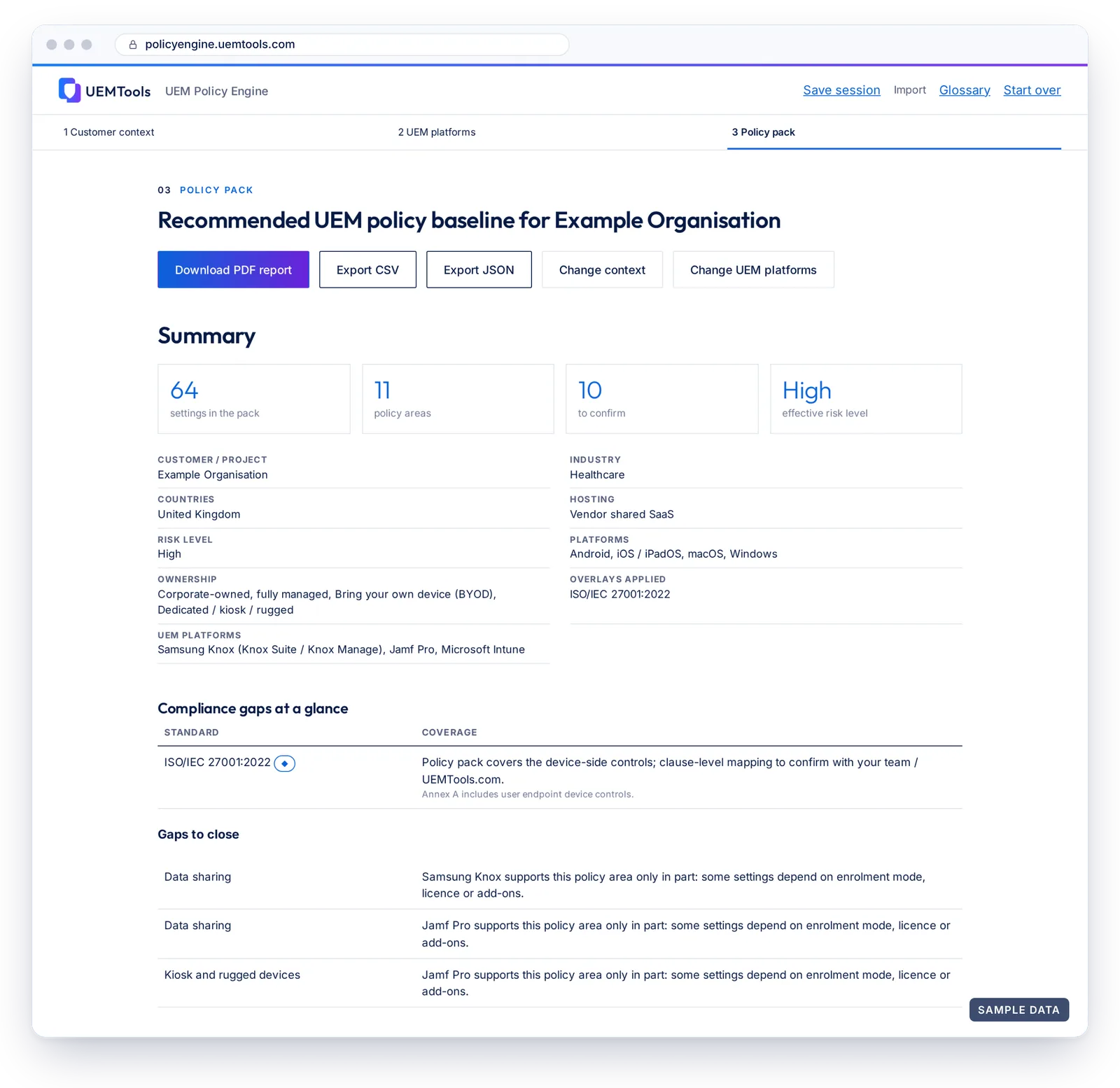
- A recommended baseline drawn from more than 70 settings across 11 policy areas. Your pack keeps the settings that apply to your device platforms and ownership models.
- Recommended values by risk level: Standard, High or Very high.
- The why behind each setting: policy intent, user impact and a public reference.
- Overlays for your industry, countries, hosting model and the regulations or frameworks you select, with a short note for each standard on the device-side controls the pack covers. Clause-level mapping is for you to confirm with your team.
- A clear map of which UEM platform manages which devices.
- Support ratings per policy area for the UEM platforms you choose: Supported, Partially Supported or Not Supported, based on each vendor’s public documentation.
- Gaps to close and quick wins: low-impact first changes your chosen platforms support.
- More depth, staff-led: a UEMTools.com specialist can walk through your pack with you, using a staff-only Enhanced report with setup guidance, readiness and a rollout plan.
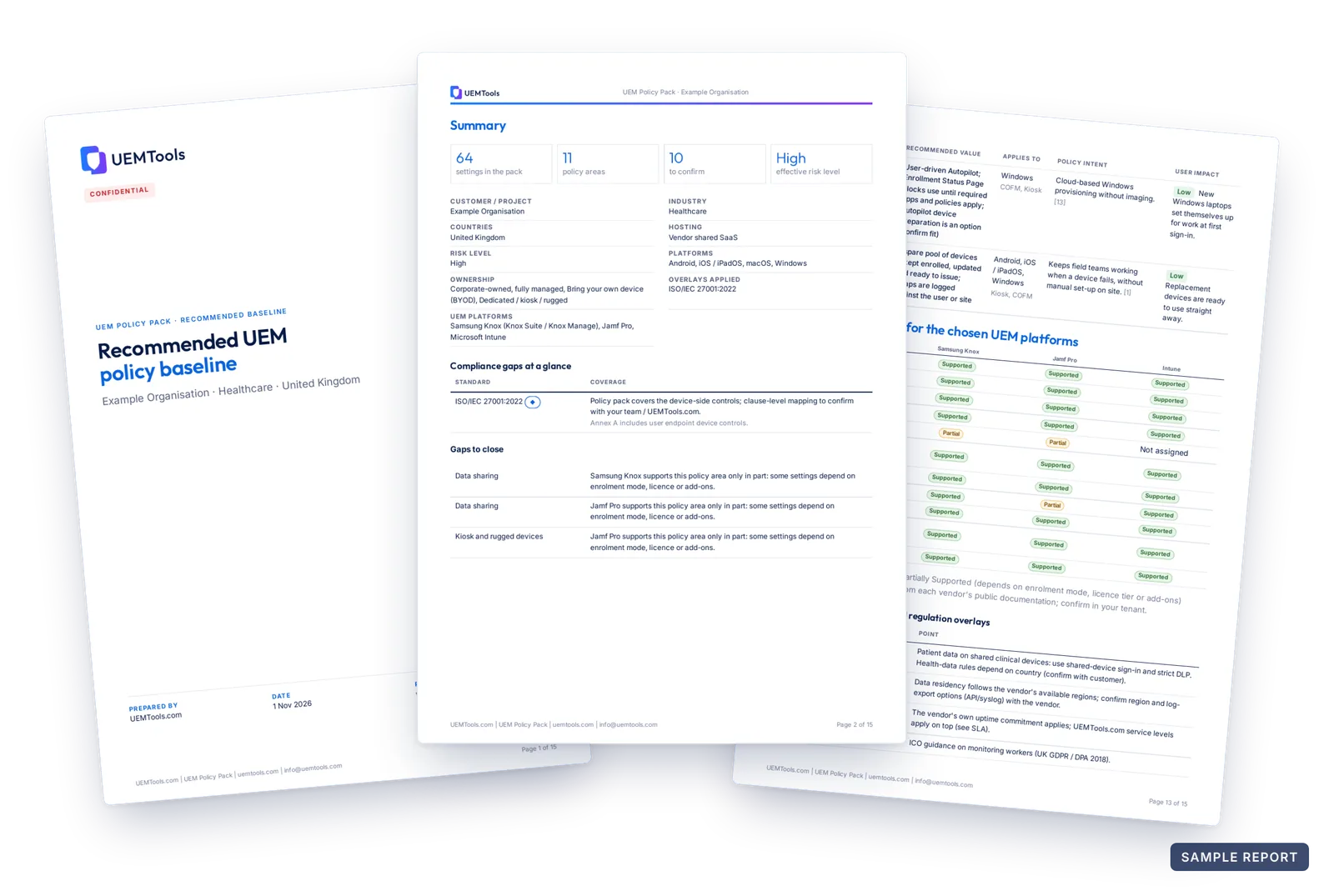
- A PDF report plus CSV and JSON exports for review and tracking, downloaded from your free UEMTools.com account. They are not configuration files to import into a UEM console.
Eleven policy areas
Every pack uses the same eleven policy areas, so your teams and your UEM platforms work from one structure.
 Passcode and sign-in
 Encryption
 OS updates
 Apps
Apps Data sharing
 Network, VPN and certificates
 Lost or stolen device
 Kiosk and rugged devices
 BYOD privacy
 Monitoring, compliance and admin controls
 Enrolment and retirement
How it works
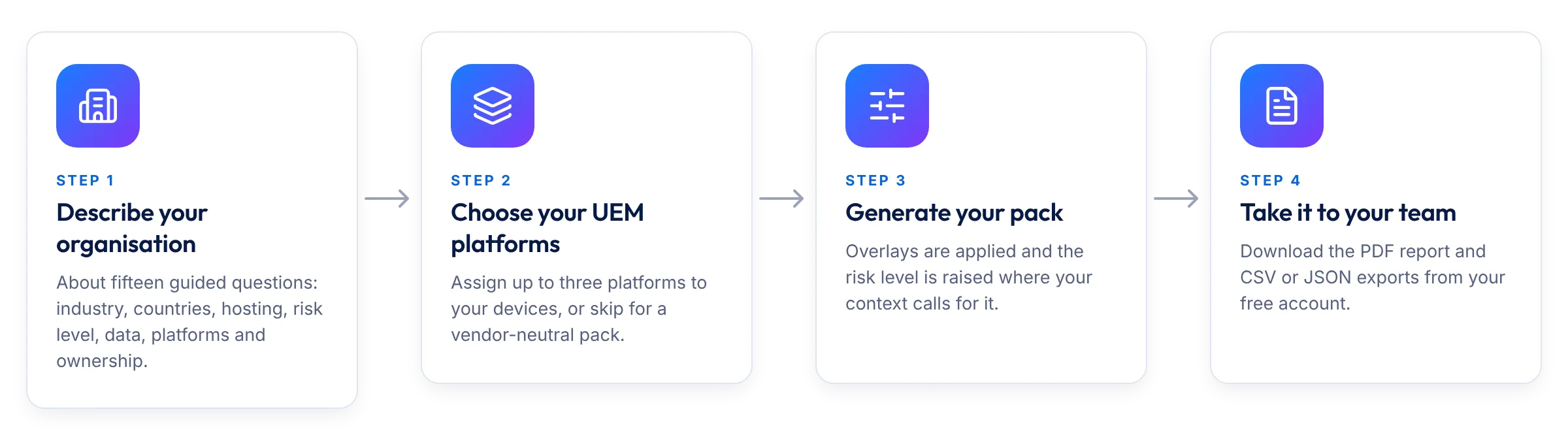
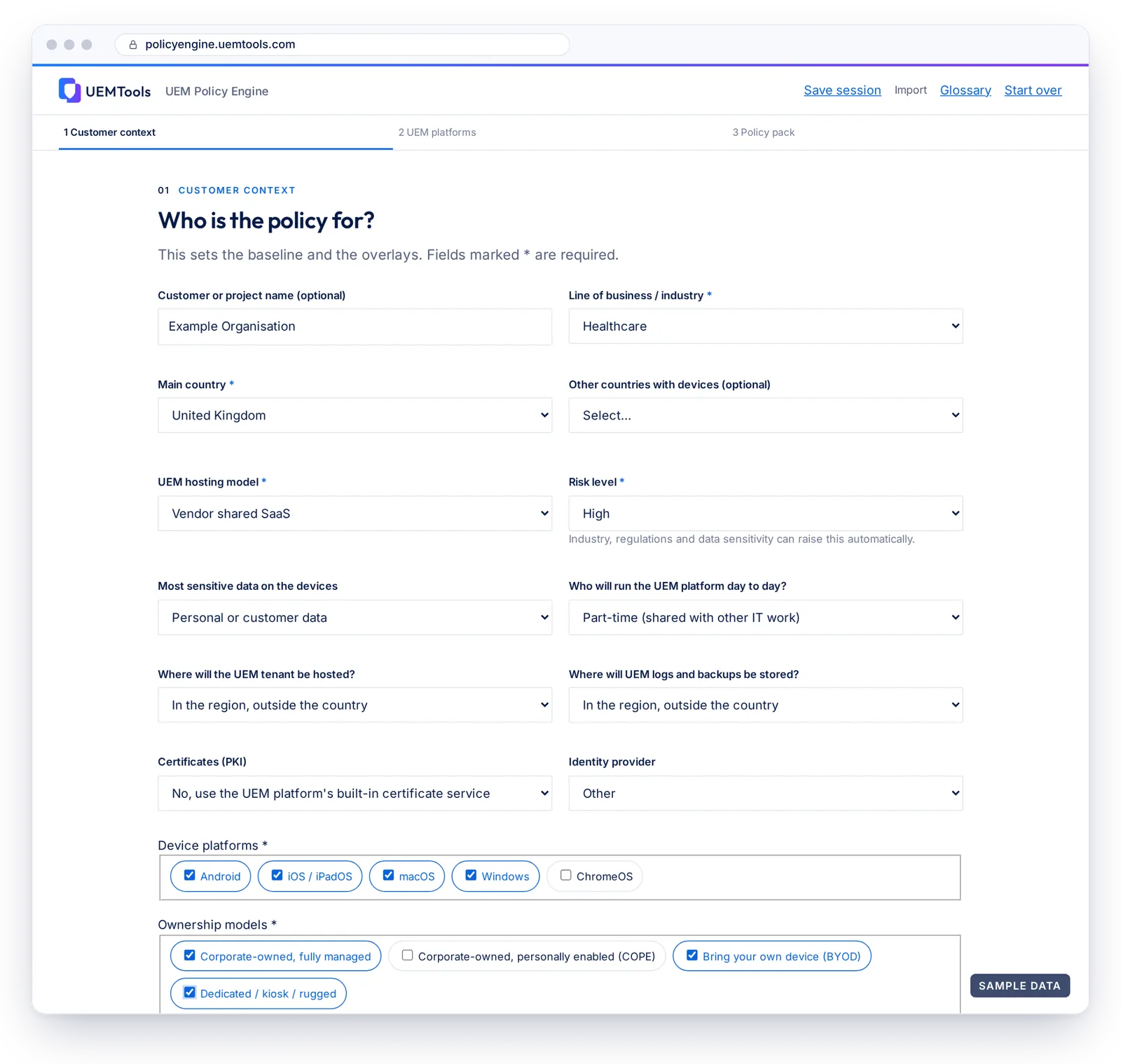
- Describe your organisation. Answer about fifteen guided questions: industry, countries, hosting, risk level, data sensitivity, device platforms and ownership models, plus optional details such as your identity provider, certificates and regulations.
- Choose your UEM platforms. Pick up to three and assign each device platform, or ownership segment, to one. Or skip this step for a fully vendor-neutral pack. If your platform is not listed, you can request it.
- Generate your pack. The engine applies your overlays and raises the risk level where your industry, regulations or data sensitivity call for it. Your pack is saved securely with UEMTools.com for 24 months.
- Take it to your team. Sign in or create a free UEMTools.com account with your work email to download the PDF report and the CSV and JSON exports, then use them as the starting point for your own policy design and testing.
Built for every organisation
Small and mid-sized businesses
Get a sensible, documented baseline without a dedicated policy team, and start with quick wins that barely affect your users.
Enterprises
Keep one consistent baseline across Android, iOS/iPadOS, macOS, Windows and ChromeOS, even when several UEM platforms share the estate. Spot partial support before rollout, not after.
Government and public sector
Use the Very high risk level for sensitive environments, plan for on-premises and air-gapped hosting, and, where your country and hosting choices call for it, see hosting and data residency warnings, with references you can trace.
Vendor-neutral by design
The baseline starts from the policy, not the product. Support ratings cover eight UEM platforms: Workspace ONE, Microsoft Intune, Samsung Knox, Ivanti, Hexnode, 42Gears, Google Workspace / Chrome Enterprise and Jamf Pro.
Ratings come from each vendor’s public documentation. Confirm them in your own tenant, because licence tier and version matter.
Stop starting from a blank page
Build a policy baseline that fits your organisation, your countries and your platforms, then refine it with your team.